Keeping you informed on the markets, trends and how Freedom Advisors is serving you.
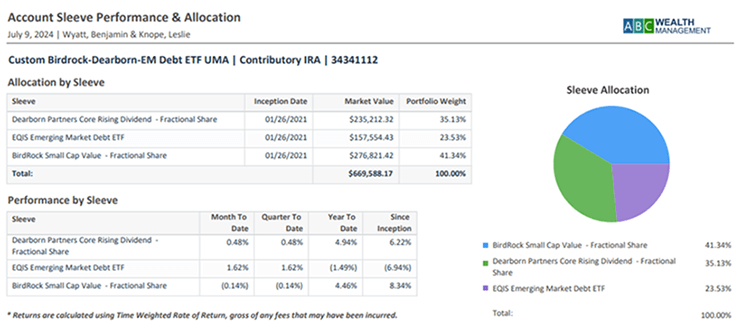
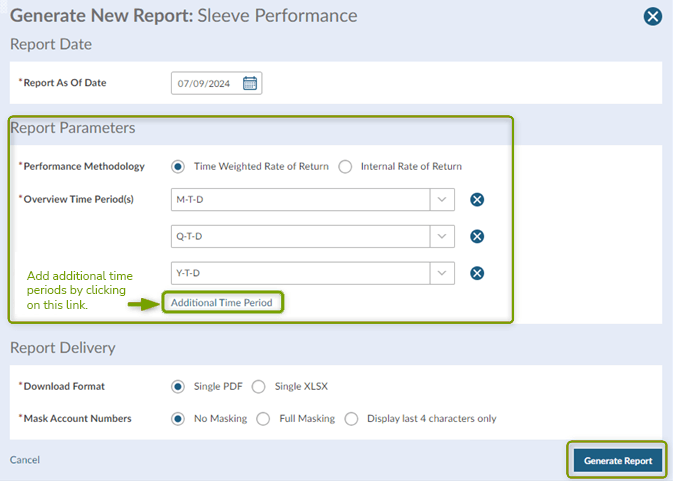
The Sleeve Performance Report (new name of Manager Allocation Summary Report) now let’s you choose up to five time periods from MTD, QTD, YTD, Since Inception, Overnight, Last 7 Days, Last 3 Year, and Last 5 Years. This article will walk you through how to generate this report within a household or account or from the Reporting Center.

Generate From the Household or Account Level
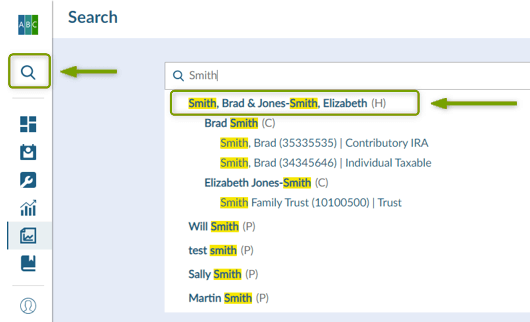
1. Navigate to the household or account for which you would like to generate the Sleeve Performance Report.
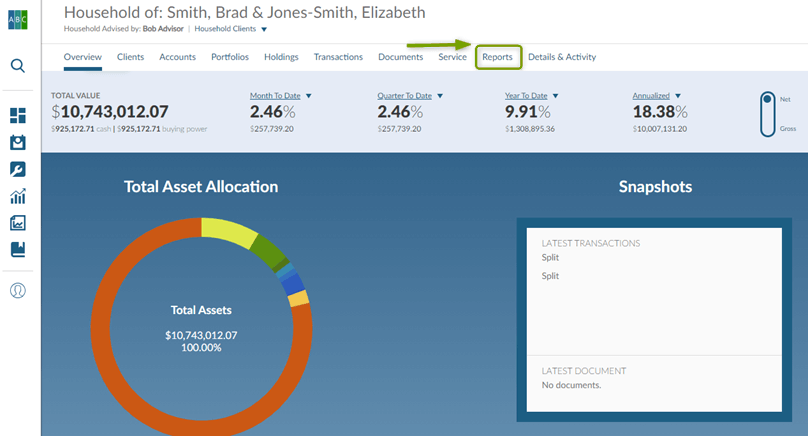
2. Click the Reports tab.
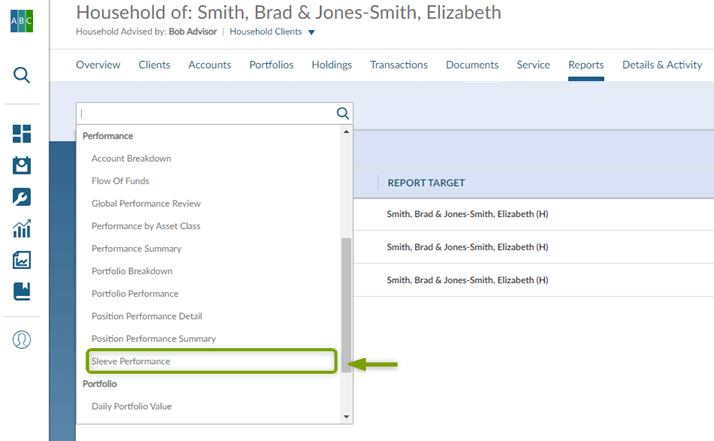
3. Click Select or Search to Run a Report and choose Sleeve Performance from the drop down.
4. Set your parameters and click Generate Report.
Generate Sleeve Performance Report from Reporting Center
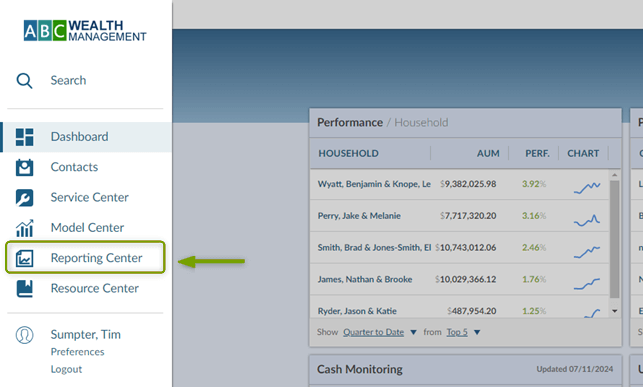
1. Navigate to the Reporting Center.
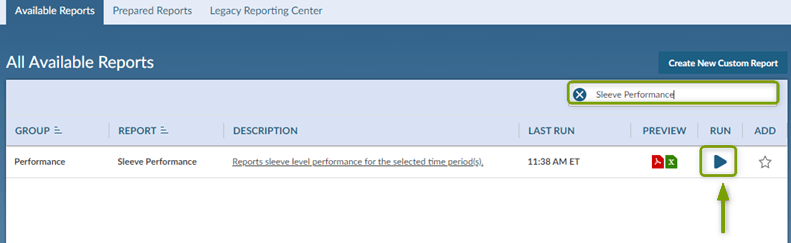
2. Type Sleeve Performance in the Search field and click the Run icon.
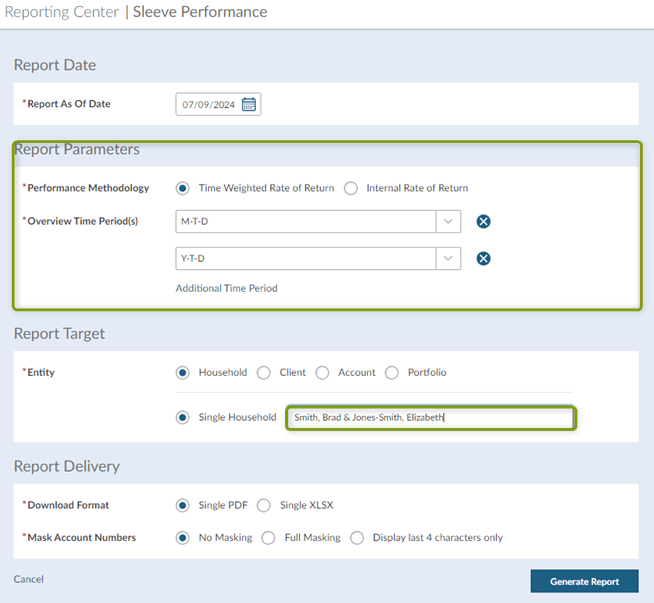
3. Update your parameters and choose the household or account for which you would like to generate this report. Click Generate Report.
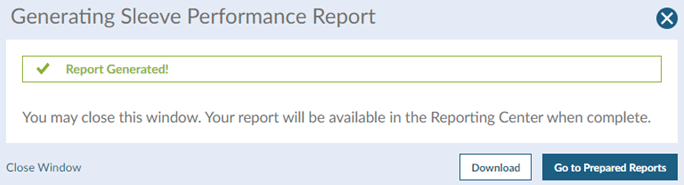
4. Once the report has generated you can click Download.
For help with this or any other reports, please contact your Freedom Advisors consultant.
MT-572341
Freedom Advisors offers a turnkey asset management platform (TAMP) with a complete portfolio management solution, comprehensive outsourcing of operations, and high-touch service to help advisors run efficient practices and deliver superior outcomes for their clients.
© Freedom Advisors. All rights reserved.