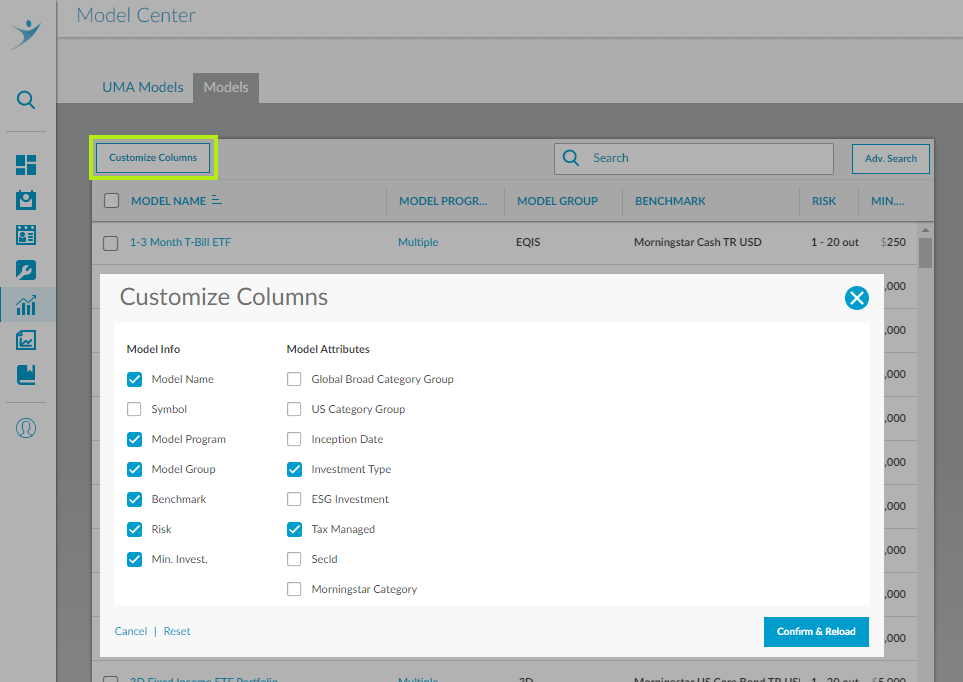
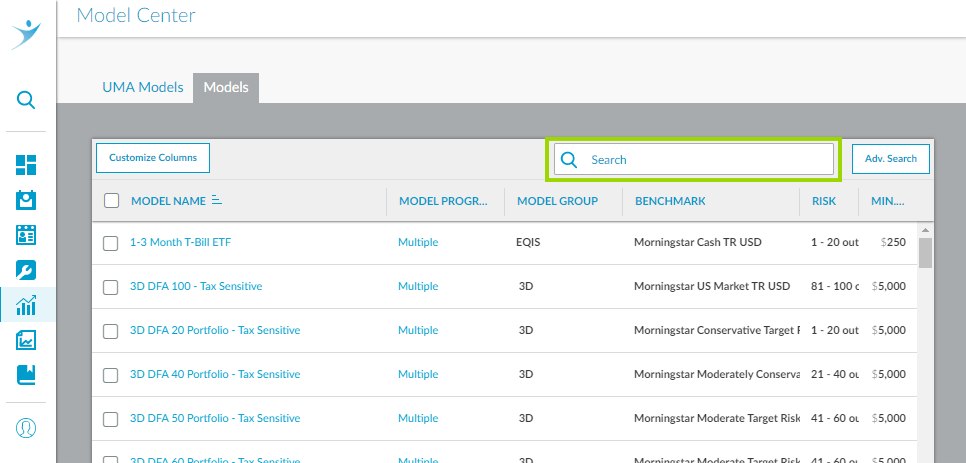
With 500 pre-built models now in your Model Center, filtering by investment characteristics, such as asset class, size, style, and geography can be a challenge. We are building advanced model search functionality, and phase 2 is now live. All 500 models have been tagged with relevant characteristics and the beginning of advanced search functions is live.
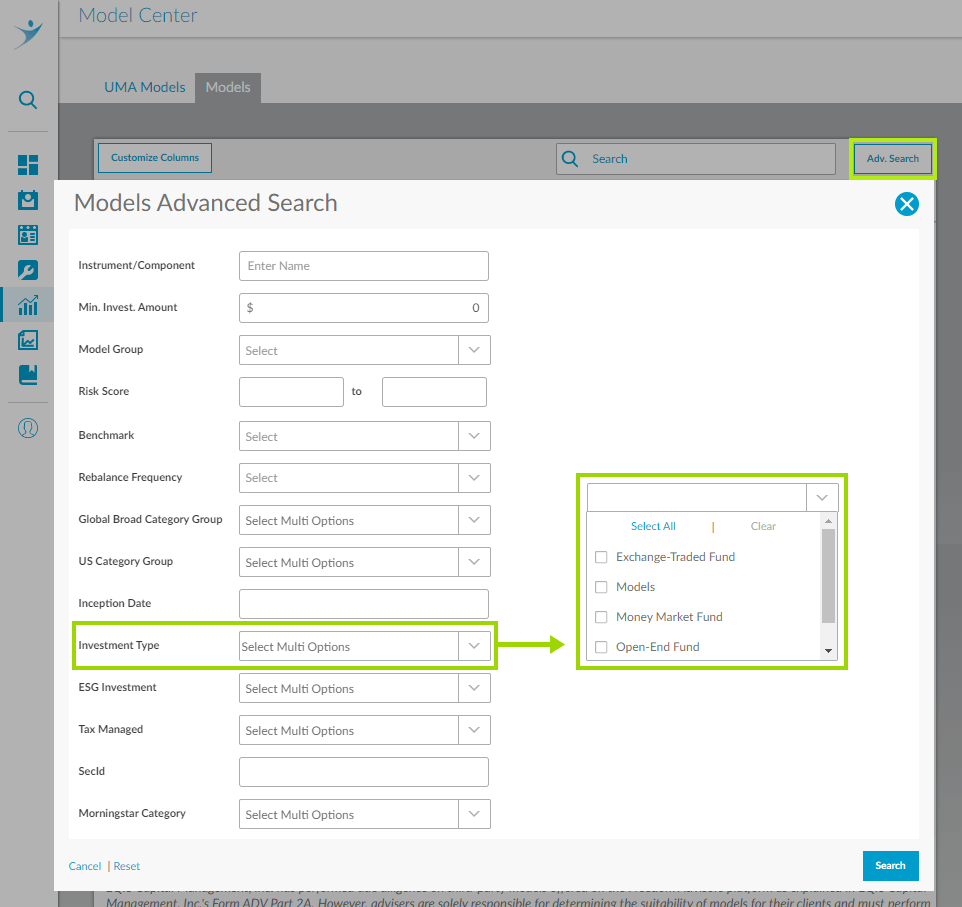
In the Model Center on the right click on Adv. Search. In the pop-up you have several options as shown in the screenshot below. Note that in this first phase you only select one filter at a time. Coming in the next phase will be the ability to combine with “and,” “or” and “exclude.”


 860-291-1998
 Schedule Demo